Panora is one local workspace where your files, tasks, notes, and goals actually live side by side — beautifully organized, completely offline, no subscriptions, no tab switching.
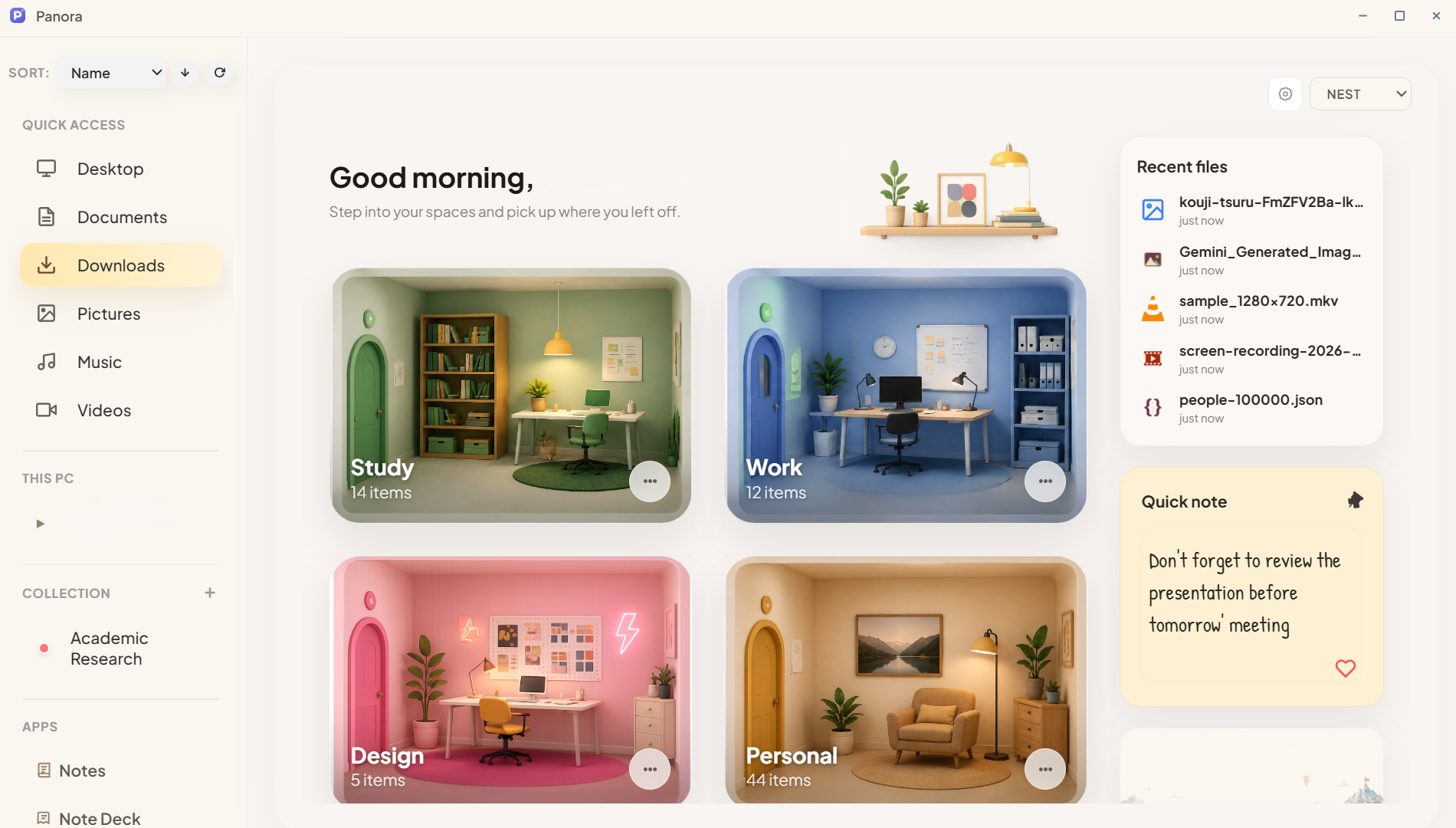
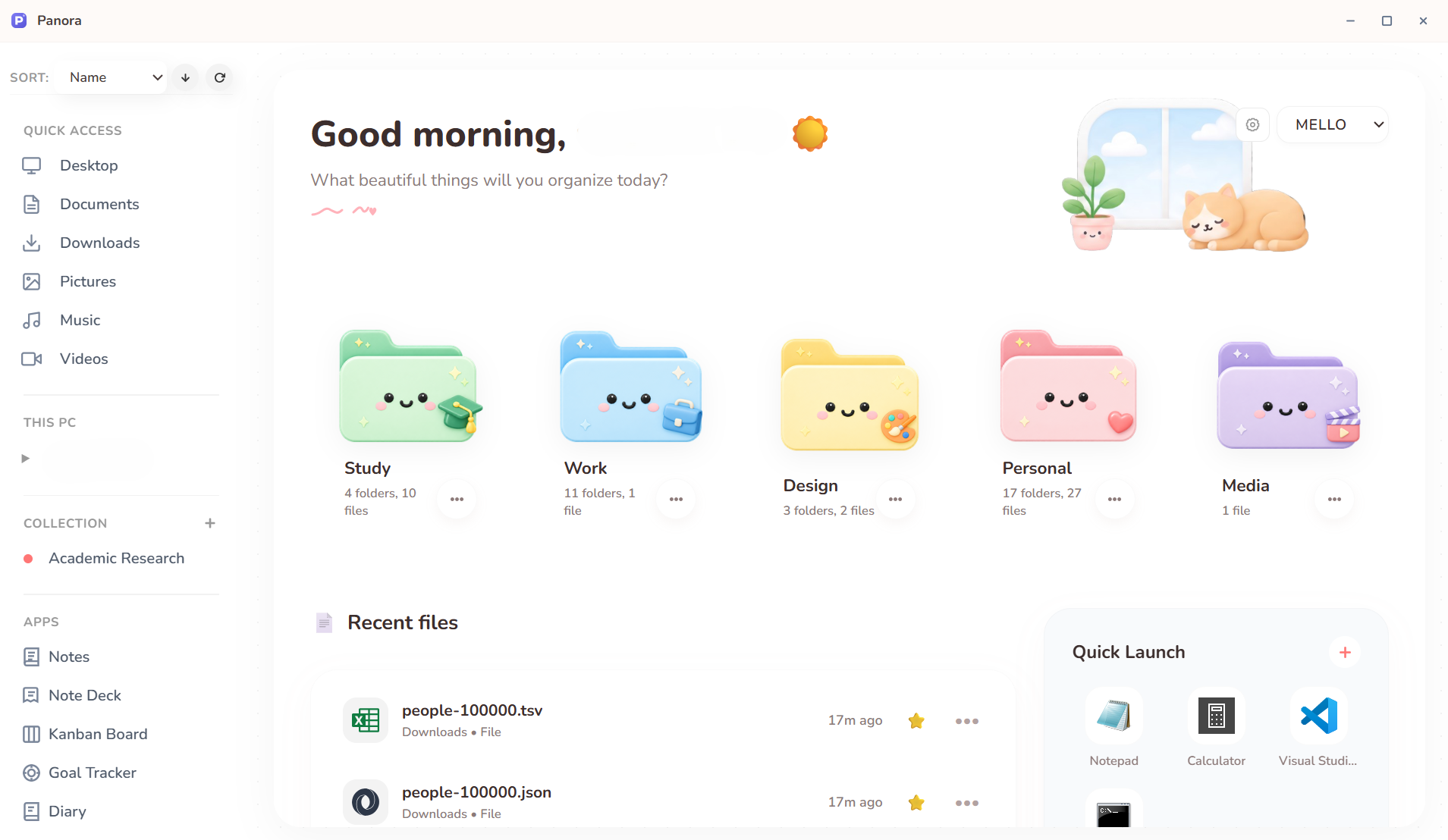
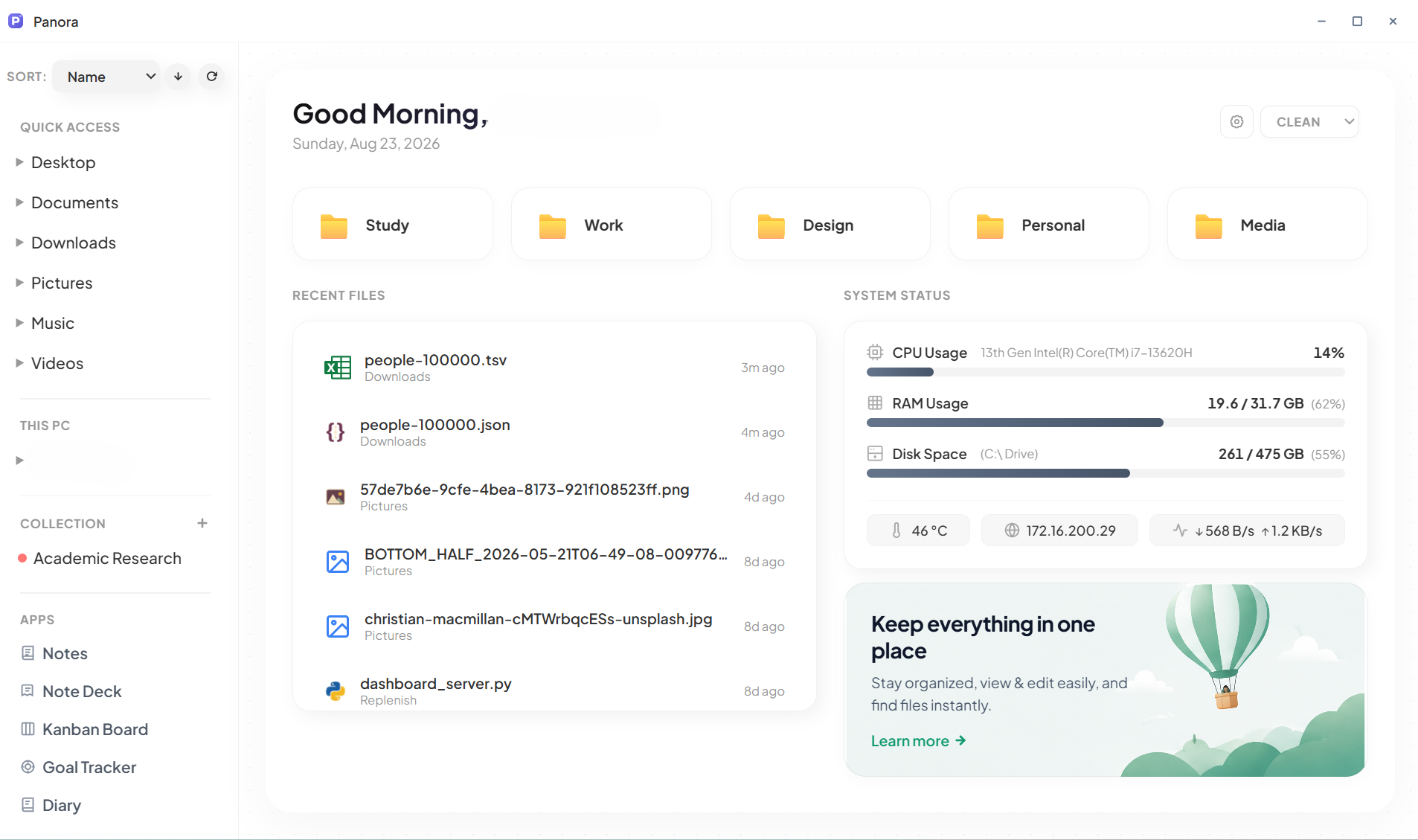
No more jumping between a file manager, a cloud task board, a separate PDF tool, and a notes app. Panora is a single local workspace where your files live right next to your Kanban boards, goal trackers, journals, and media tools. Everything is already here. Just organized beautifully.
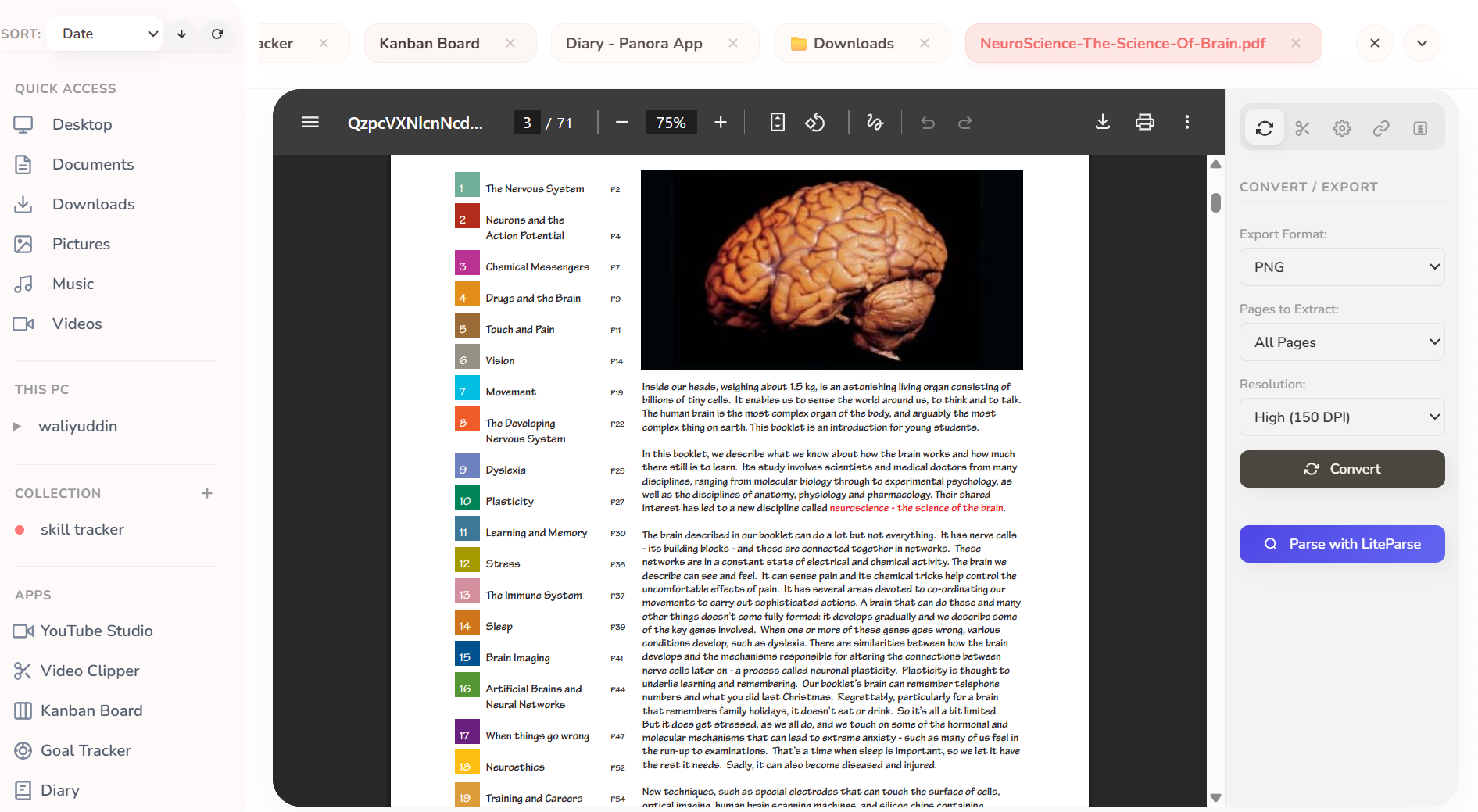
Open, browse, and edit code, Markdown, PDFs, spreadsheets, and images — 20+ file types, zero tab switching.
Drag & drop task cards with priorities, local file attachments, due dates, and CSV import — all stored locally.
Map milestones, track habits, and visualize progress on interactive goal maps. Offline and private.
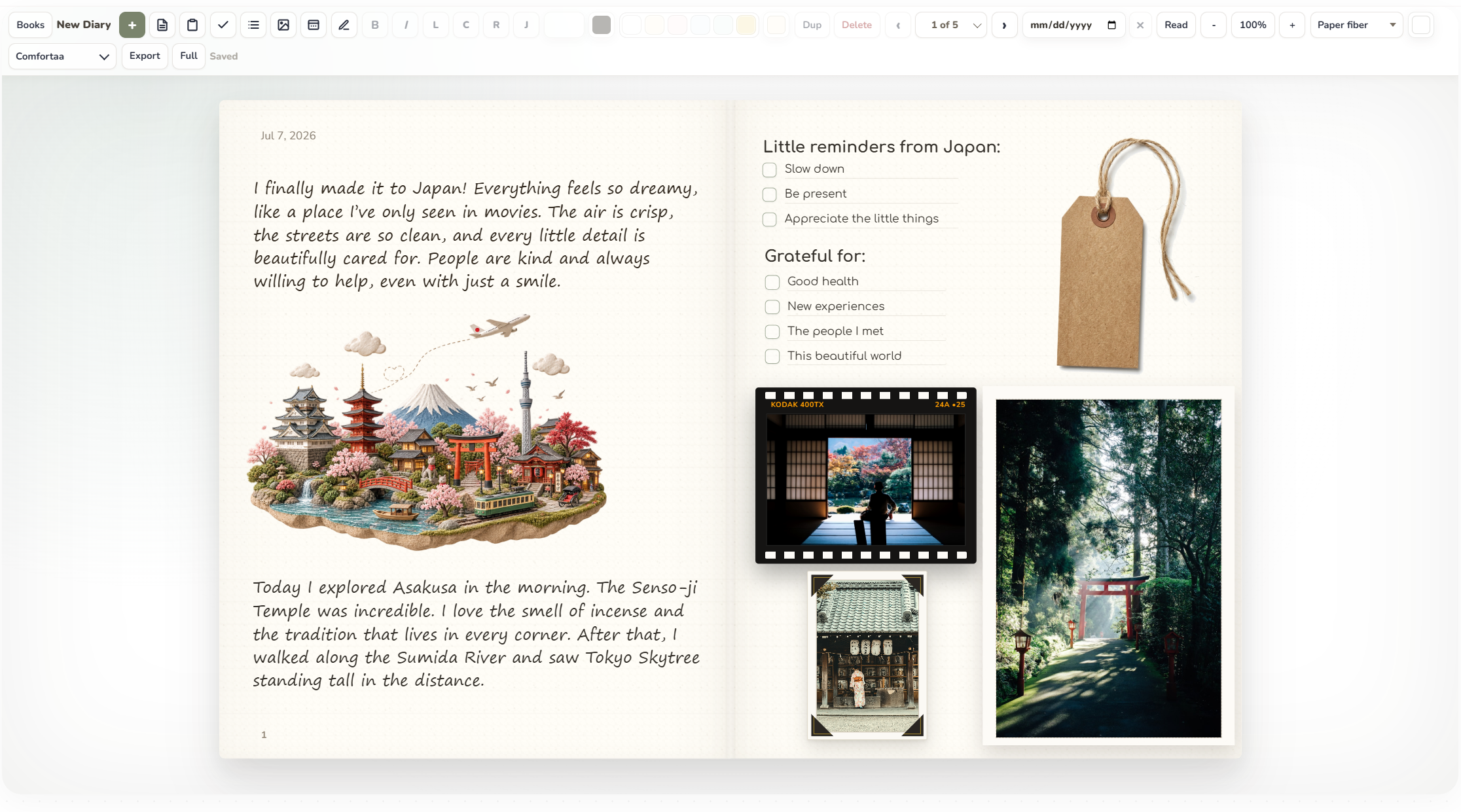
Rich block writing with slash commands, local media, filing cabinet folders, and a personal diary journal.
Panora is built on a high-performance local file browser. Open code, spreadsheets, PDFs, or media files instantly in custom-built tabs. No slow load times, no application switching.
Preview and edit office and text documents directly. Full formatting, layout rendering, and OCR capabilities are integrated locally.
Manage raw datasets and heavy tabular data. Open heavy spreadsheets, edit cells in a visual table, and convert instantly.
Process graphics and video without launching heavy editing suites. Crop images, remove backgrounds, convert formats, or stream YouTube downloads directly into the app.
An integrated developer workspace. Edit script files using CodeMirror syntax highlighting, or run Jupyter notebooks cell-by-cell.
Panora is the ultimate local-first workspace for managing documents, goals, and visual boards...
| Month | Sales | Growth |
|---|---|---|
| Jan | $12,400 | +4.2% |
| Feb | $14,200 | +14.5% |
| Mar | $15,800 | +11.2% |
Pick the folders you use every day and pin them to your home screen. Customize each card with custom art, colors, and icon styles — then jump straight into your files, gallery views, and tools with a single click.
Group all your learning materials in one place. Lecture slides, course PDFs, homework files, reference books, and Jupyter notebooks — everything you need for study sessions lives here.
Keep your professional files separated from everything else. Drop in CSV reports, Excel worksheets, SQL scripts, Parquet datasets, and client documents — all neatly categorized under one work context.
Collect your creative files in one visual folder. Branding images, color references, icon sets, wireframe sketches, and canvas files — everything design-related stays organized here.
A private space for the files that are just yours. Family photos, personal documents, journal entries, saved bookmarks, and anything you want to keep separate from work or study.
Keep all your media files organized — local video recordings, downloaded clips, music tracks, and screen captures. Everything media-heavy goes here so it doesn't clutter your other folders.
Switch between stunning visual themes and icon styles — instantly. Every pixel of Panora can match your personality.
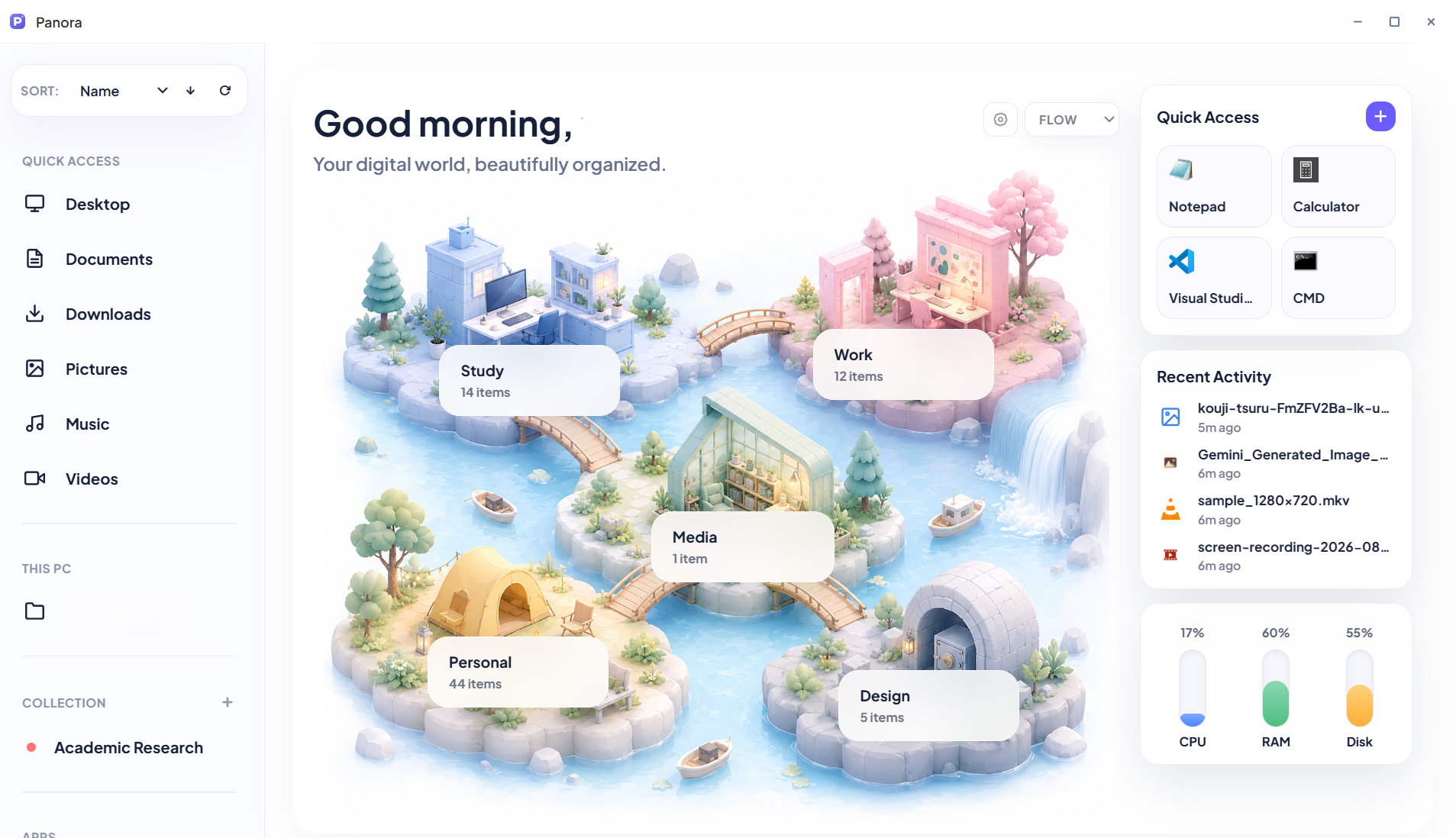
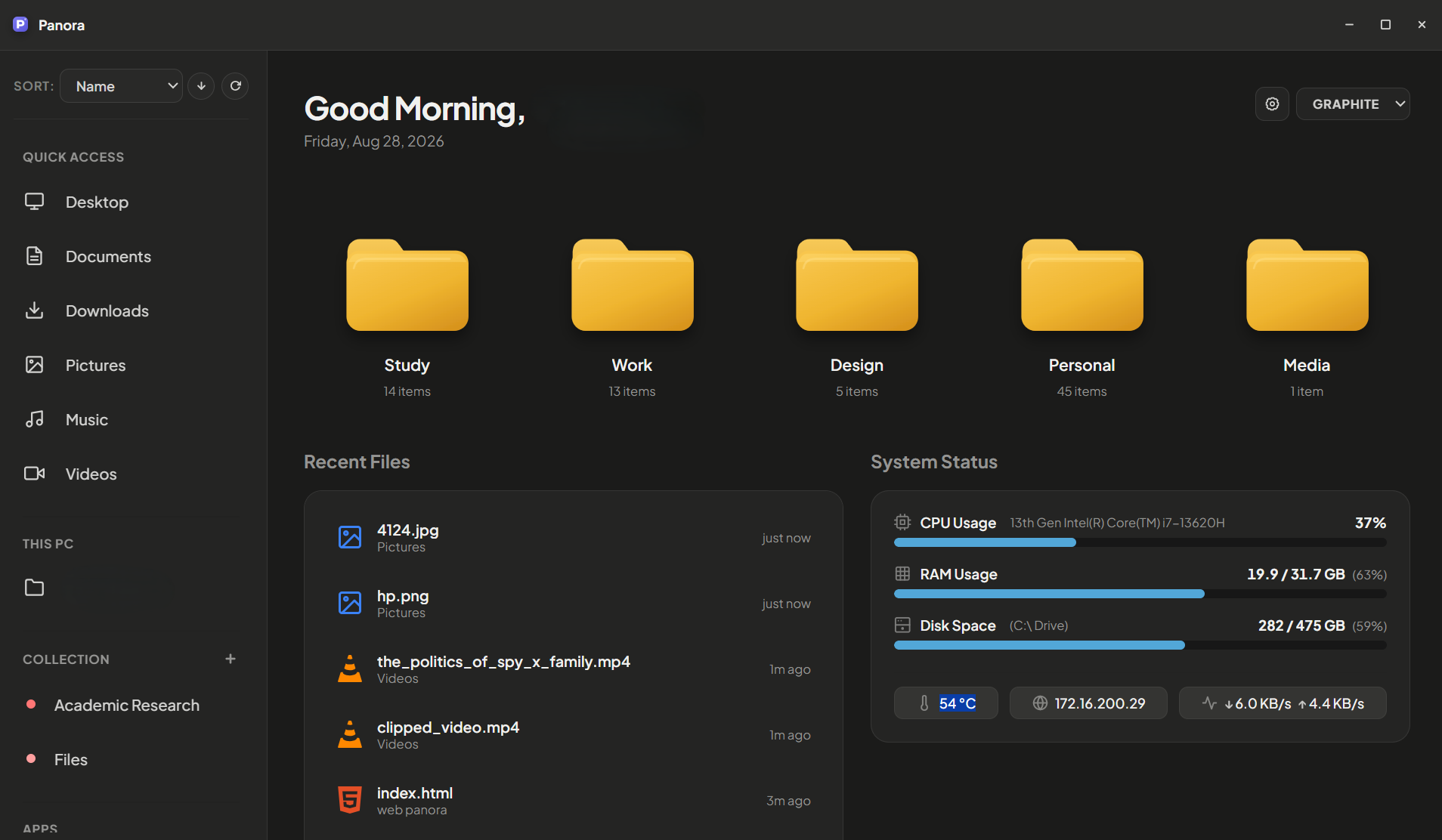
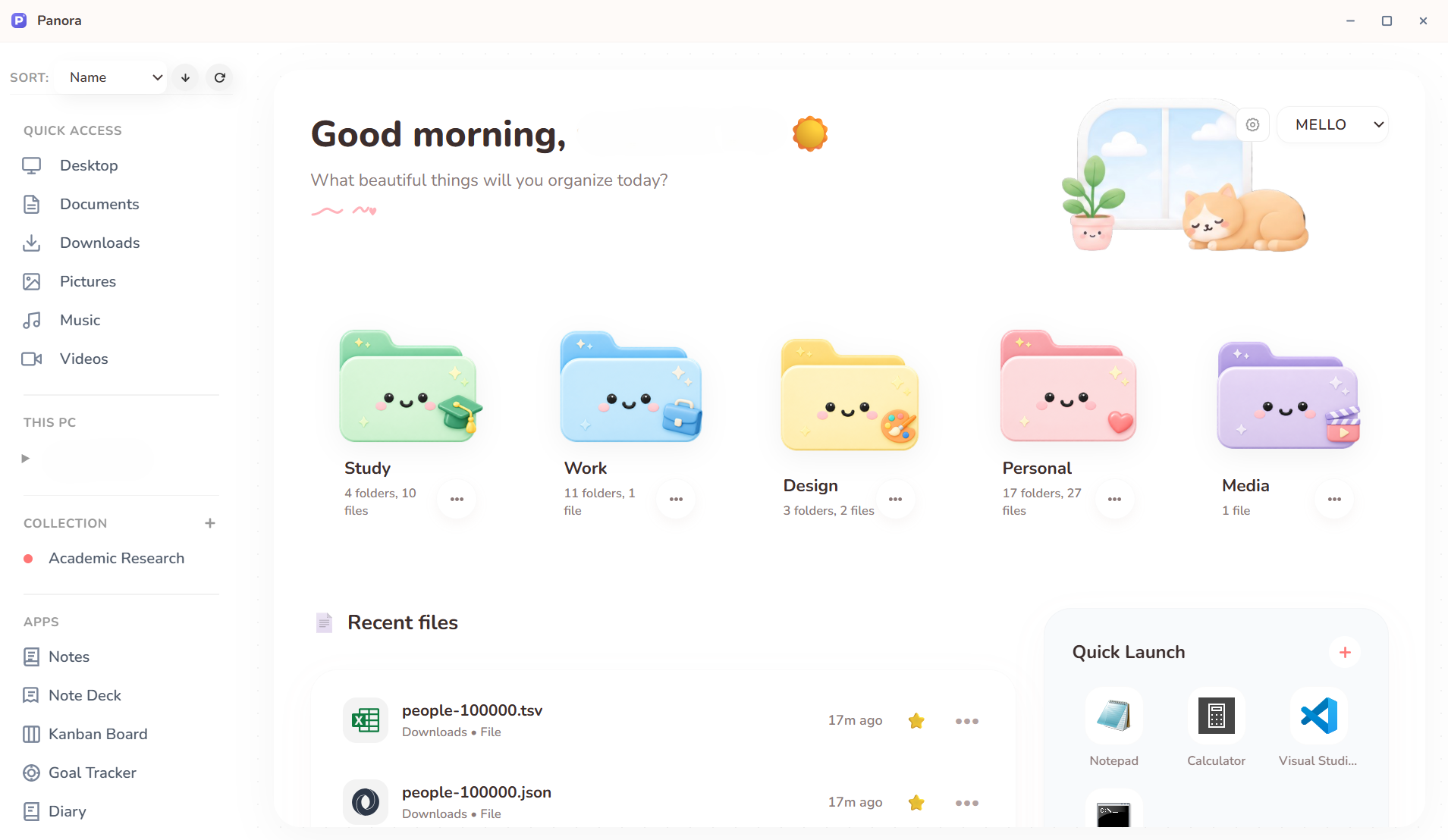
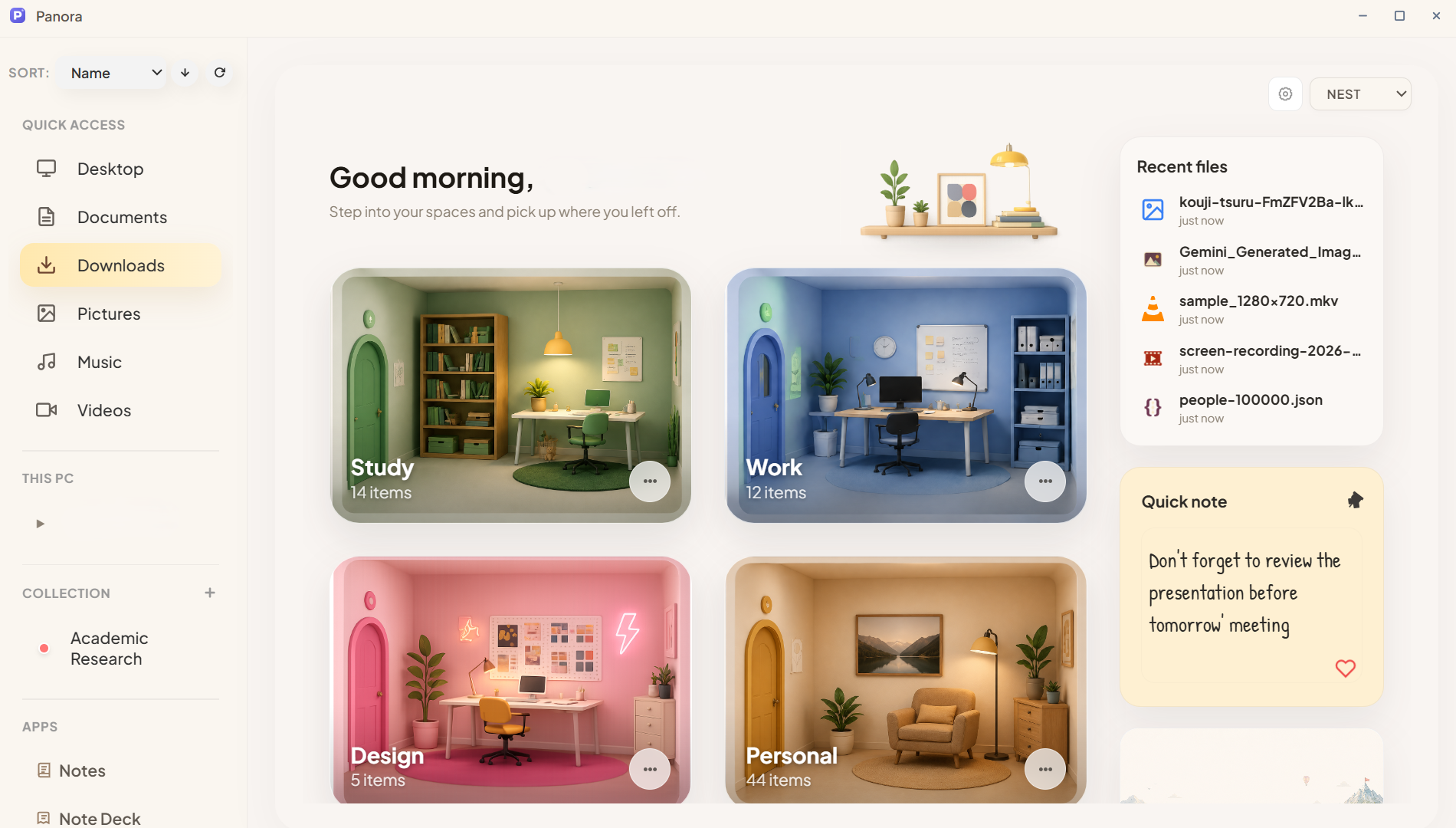
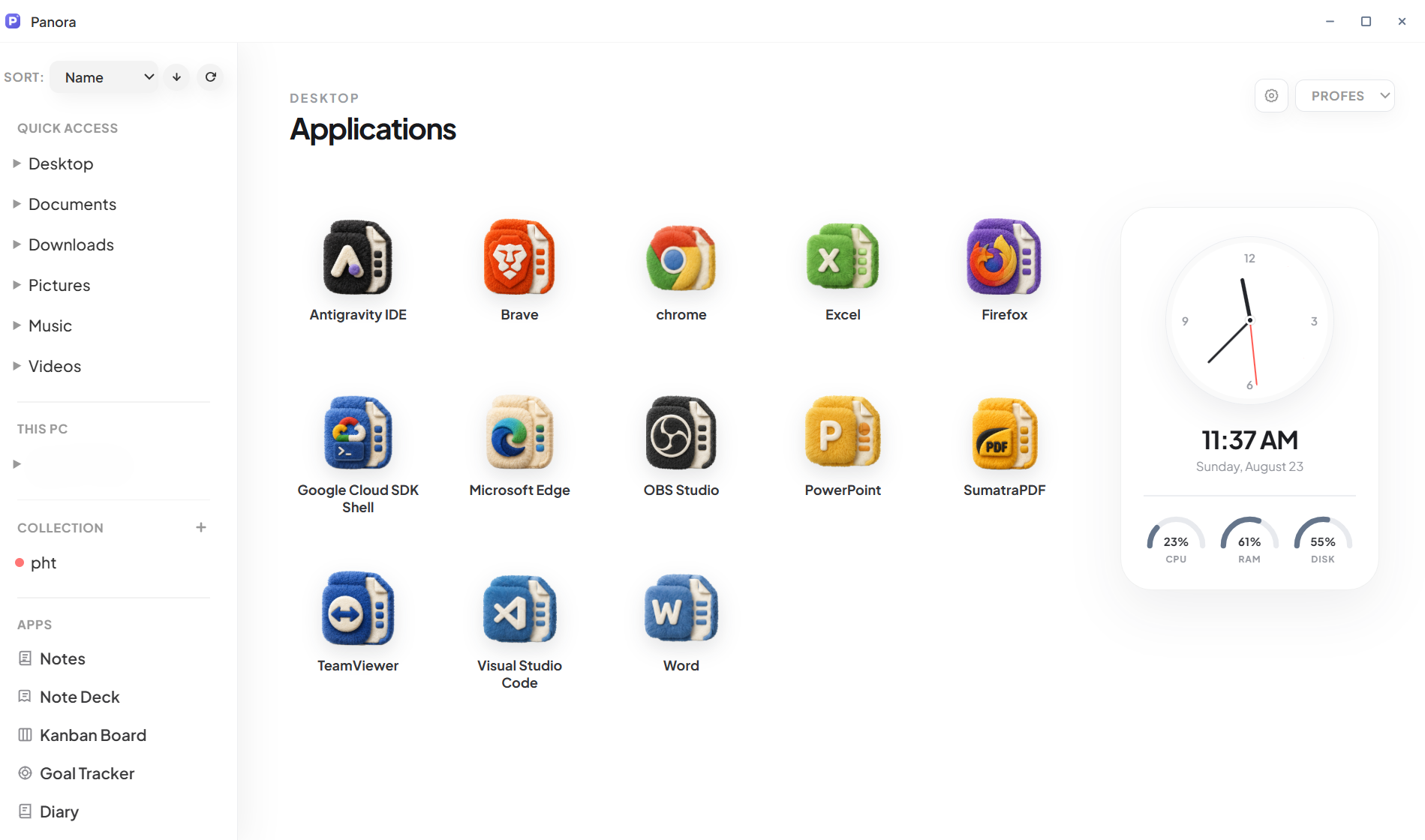
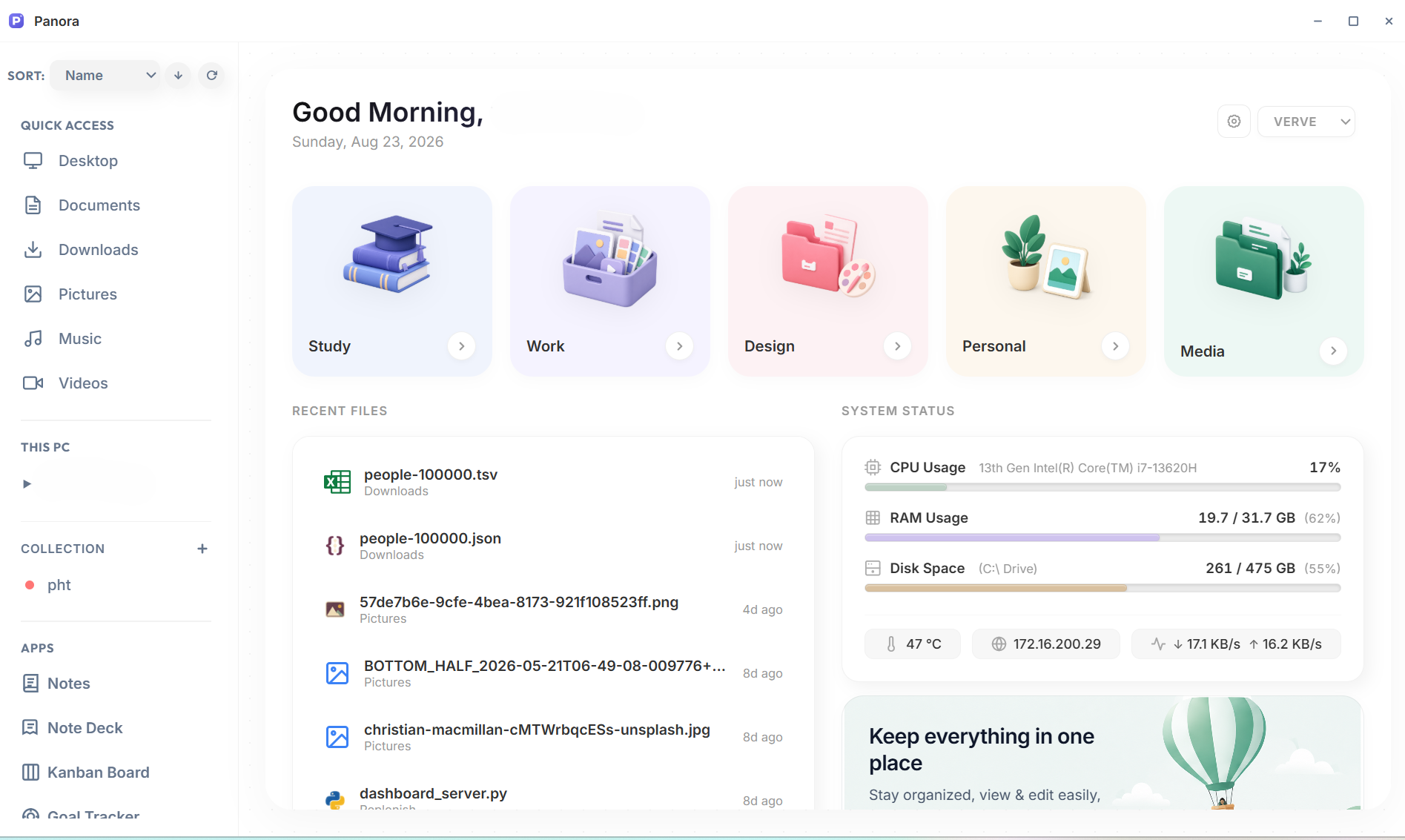
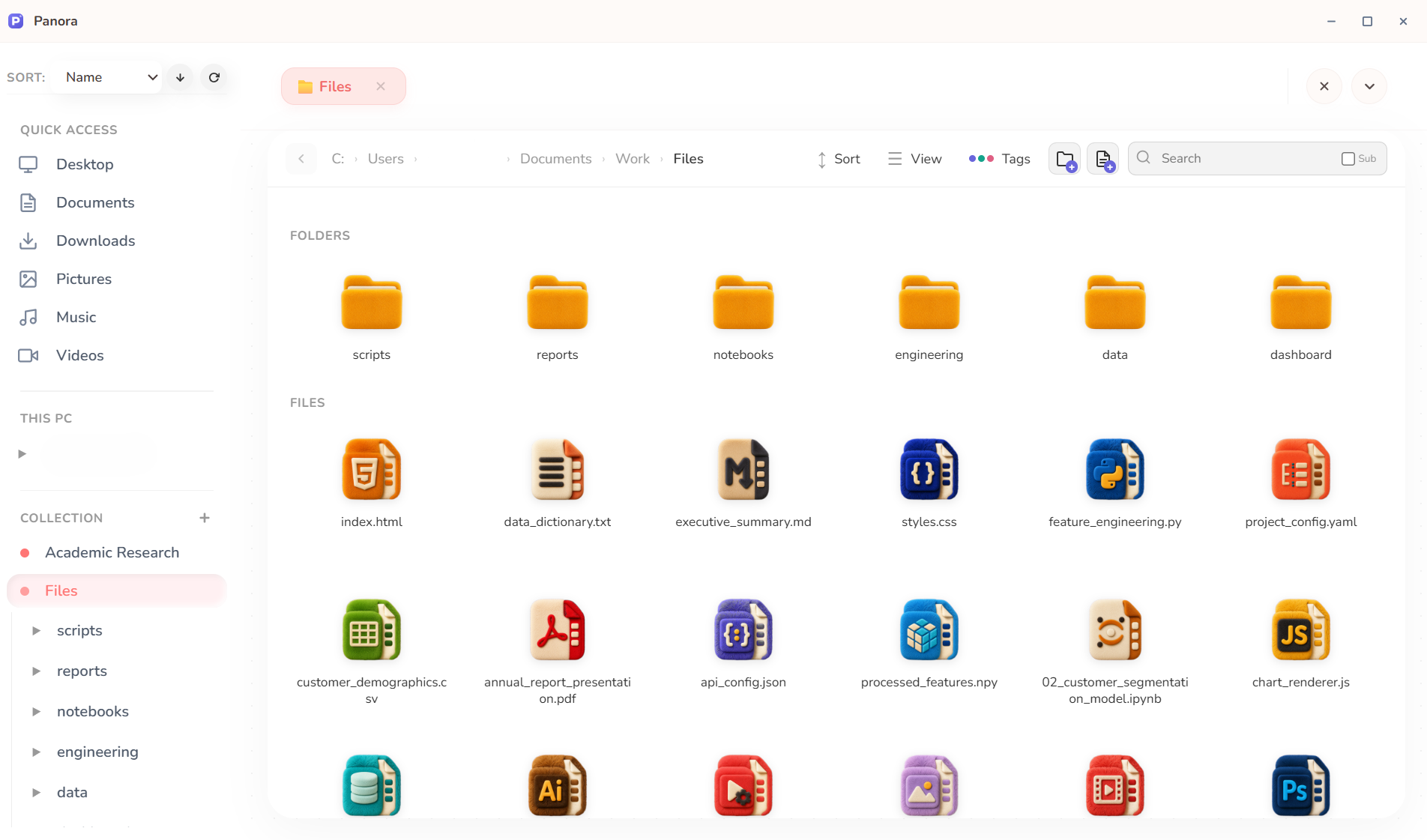
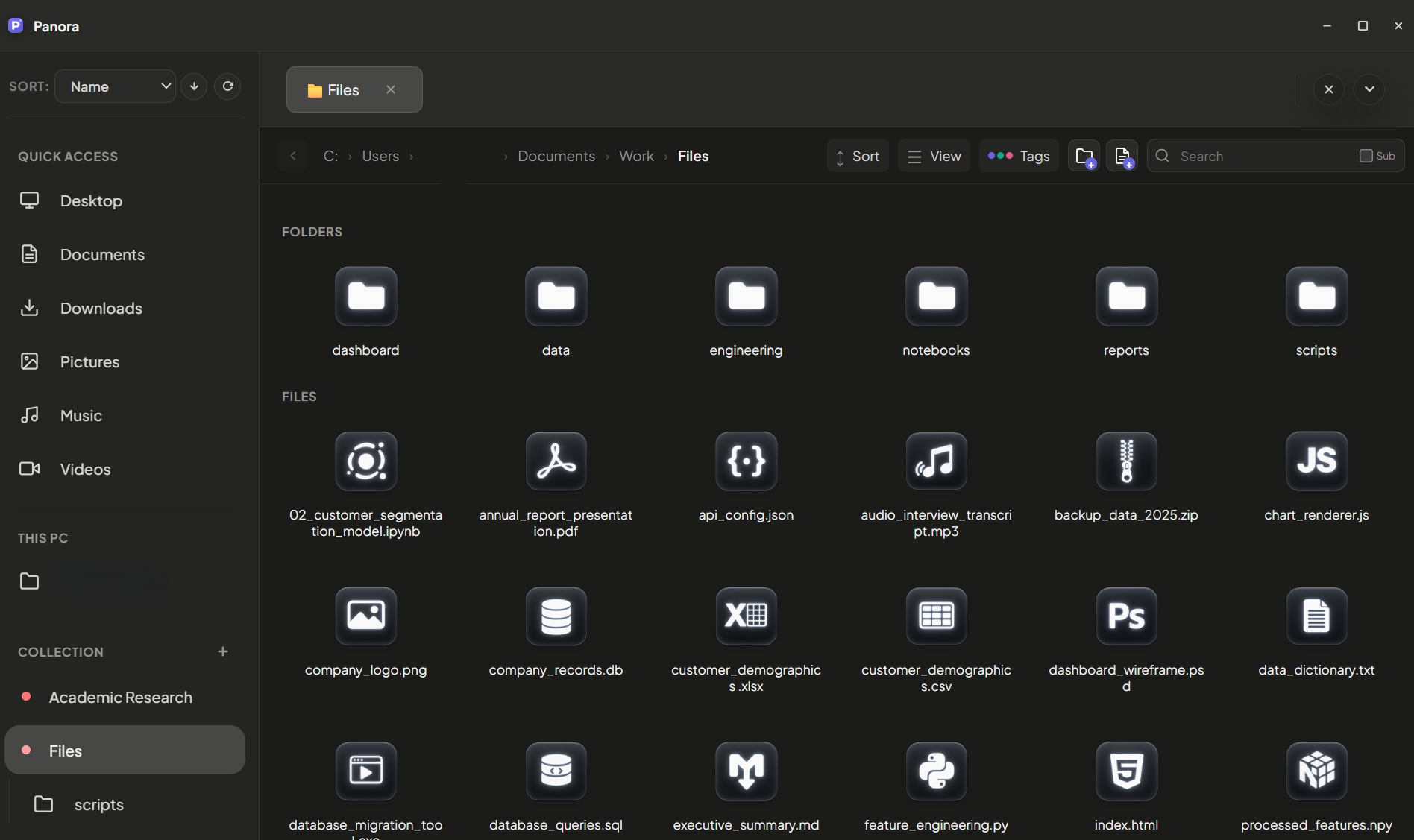
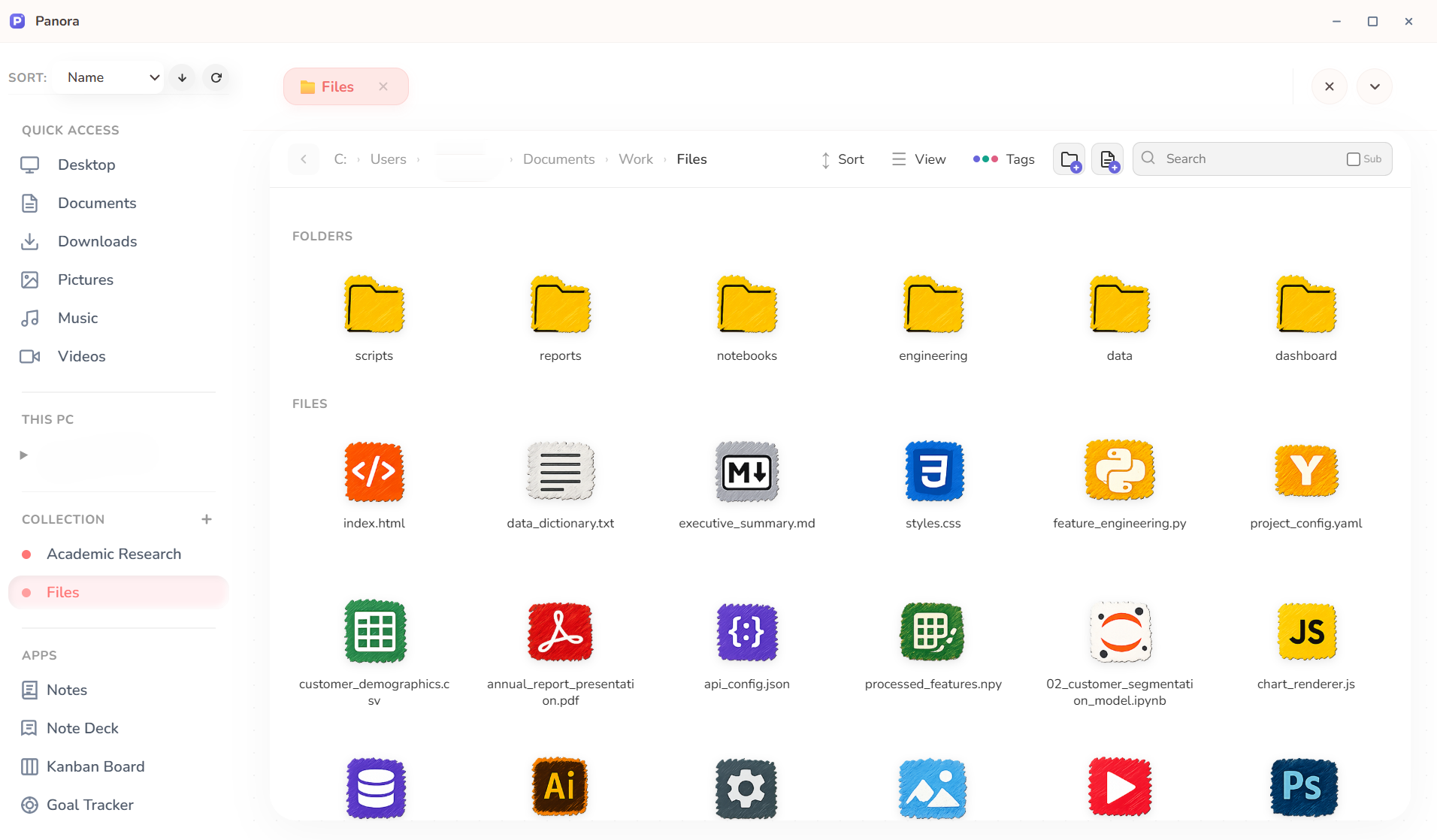
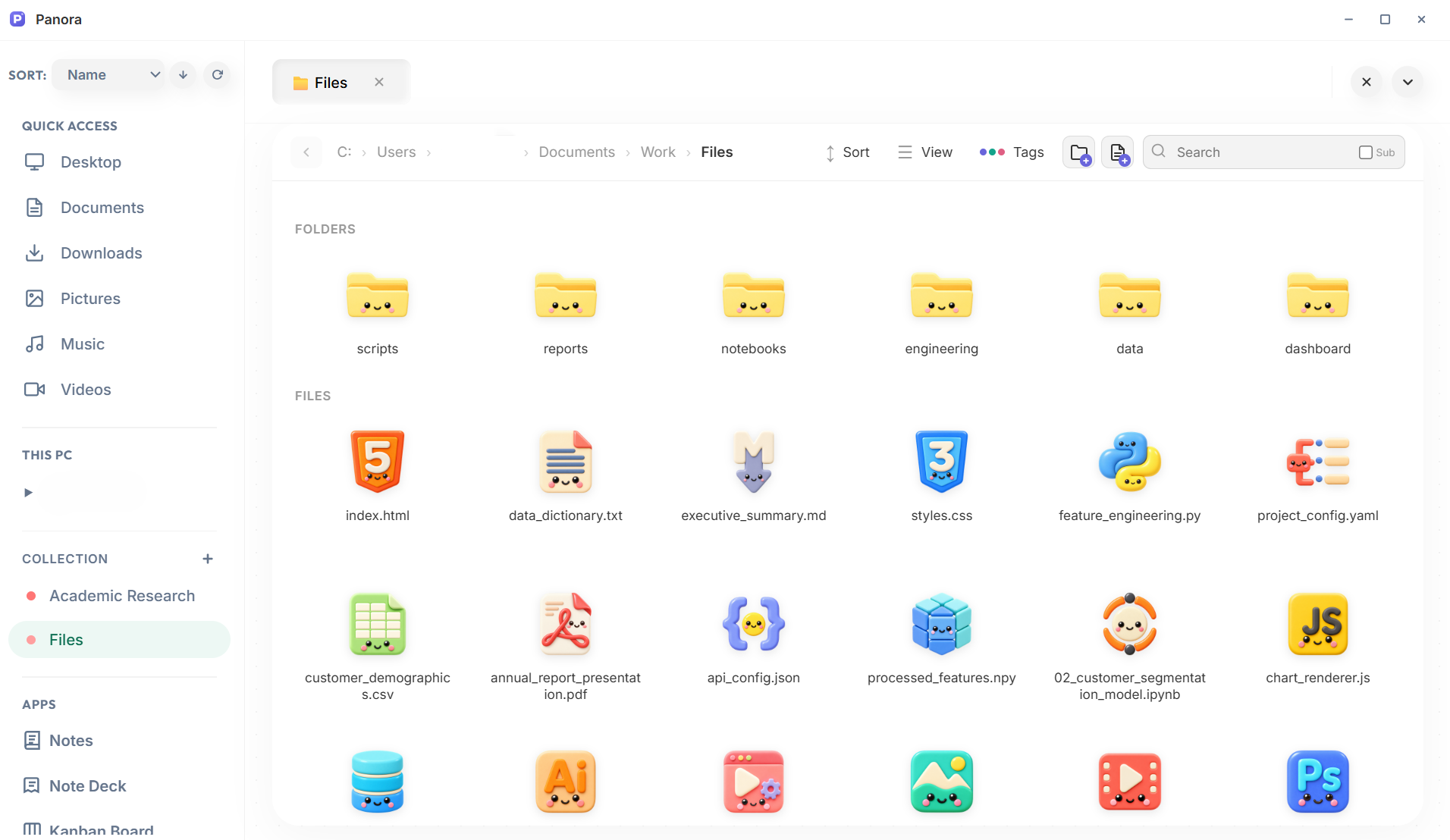
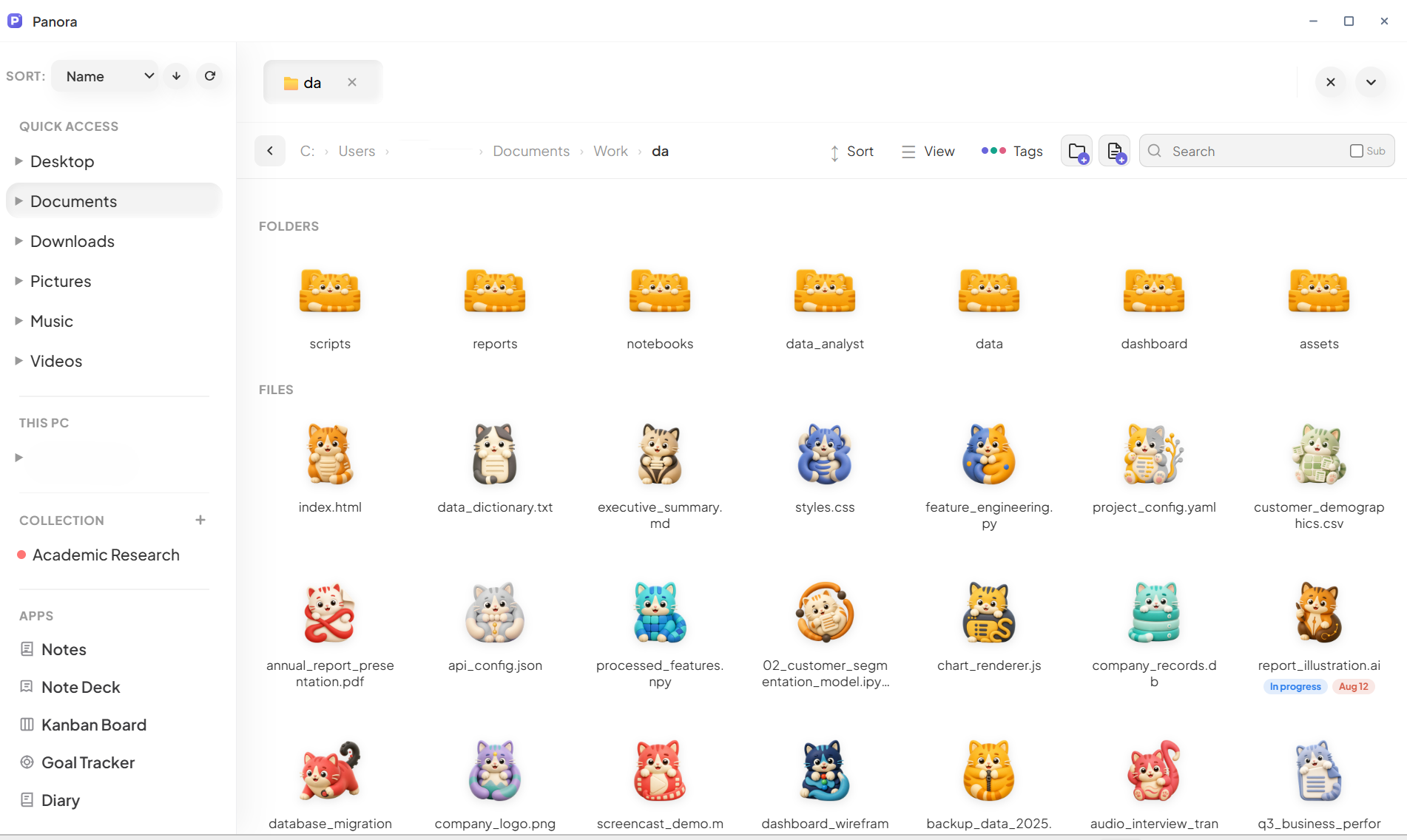
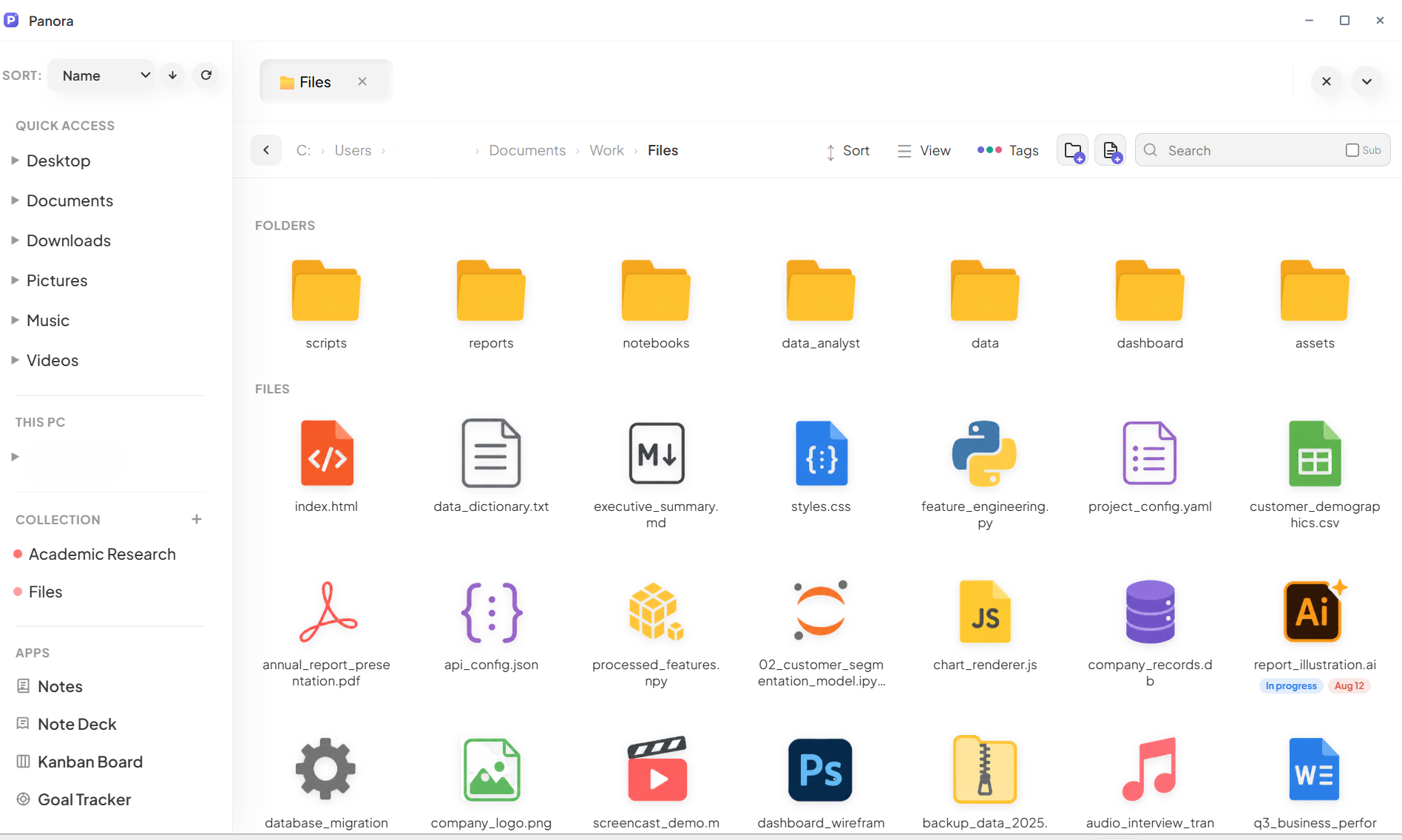
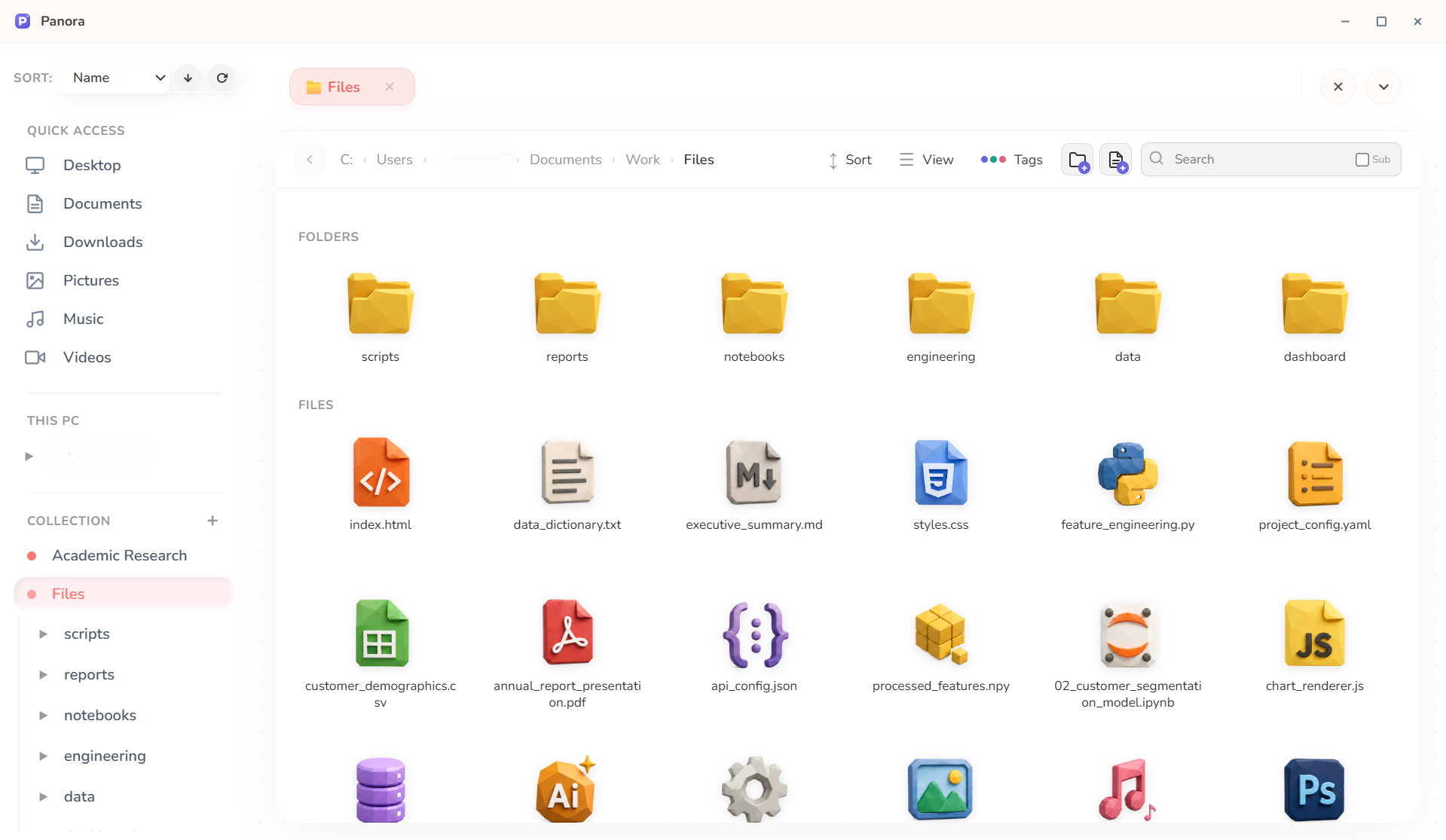
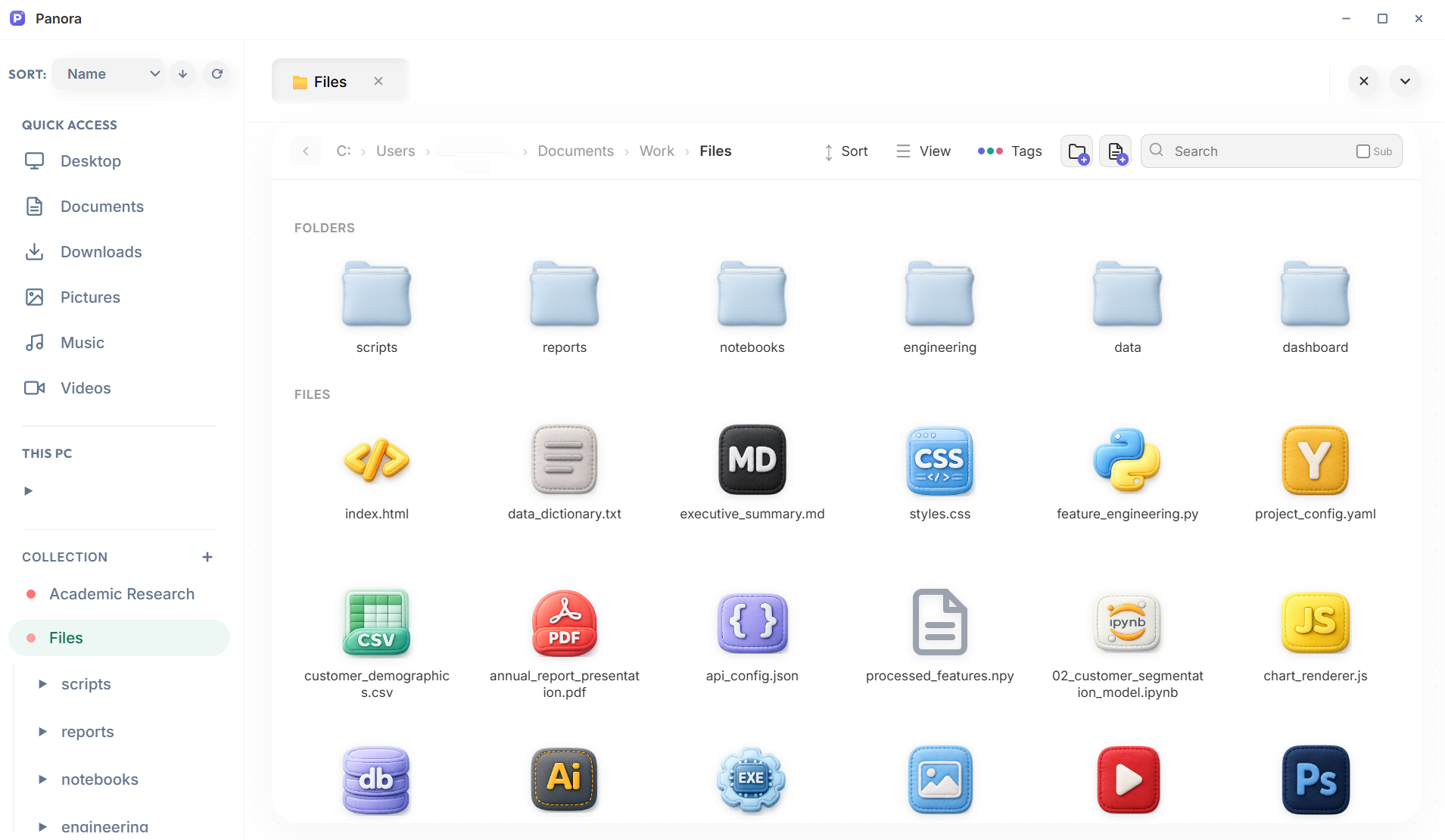
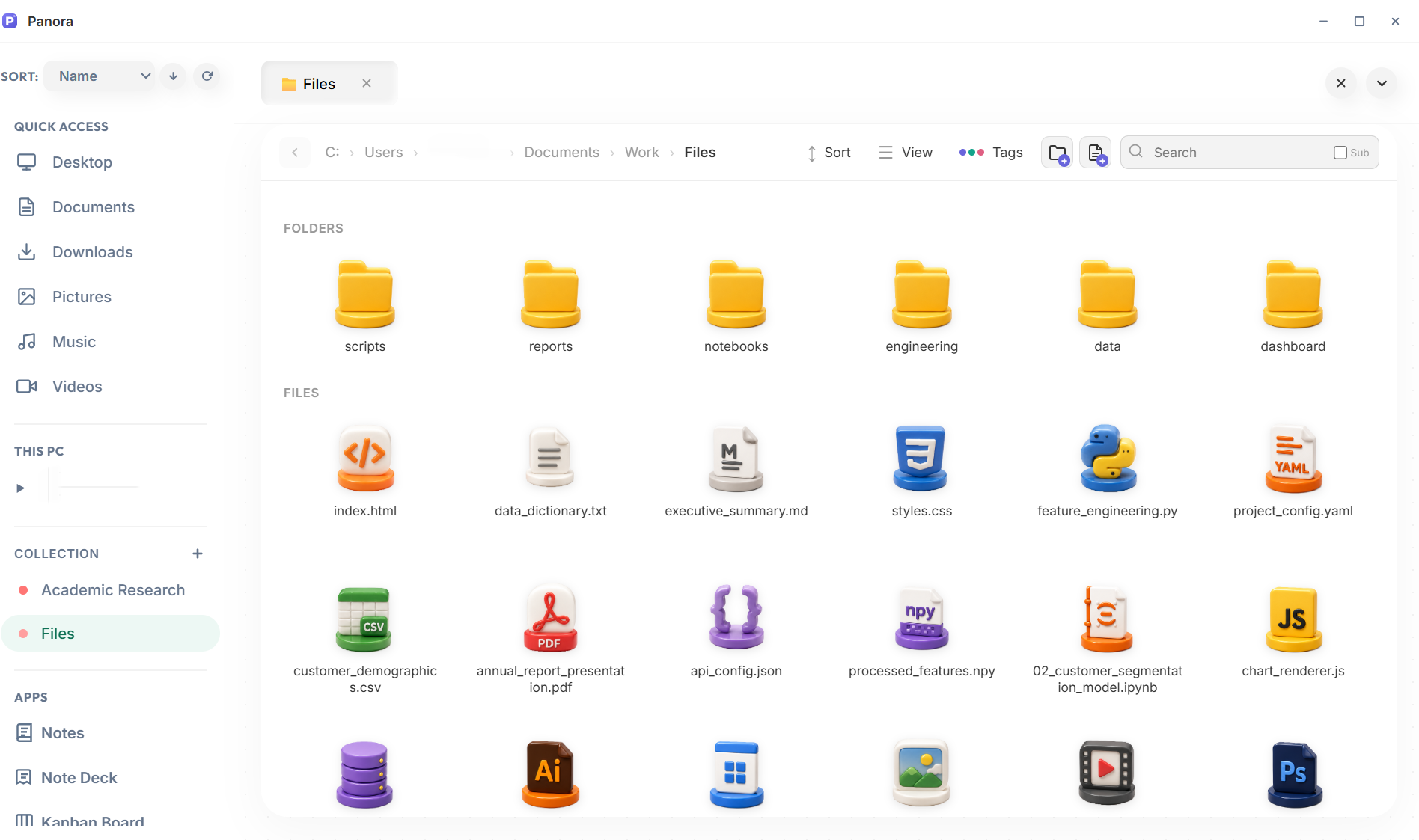
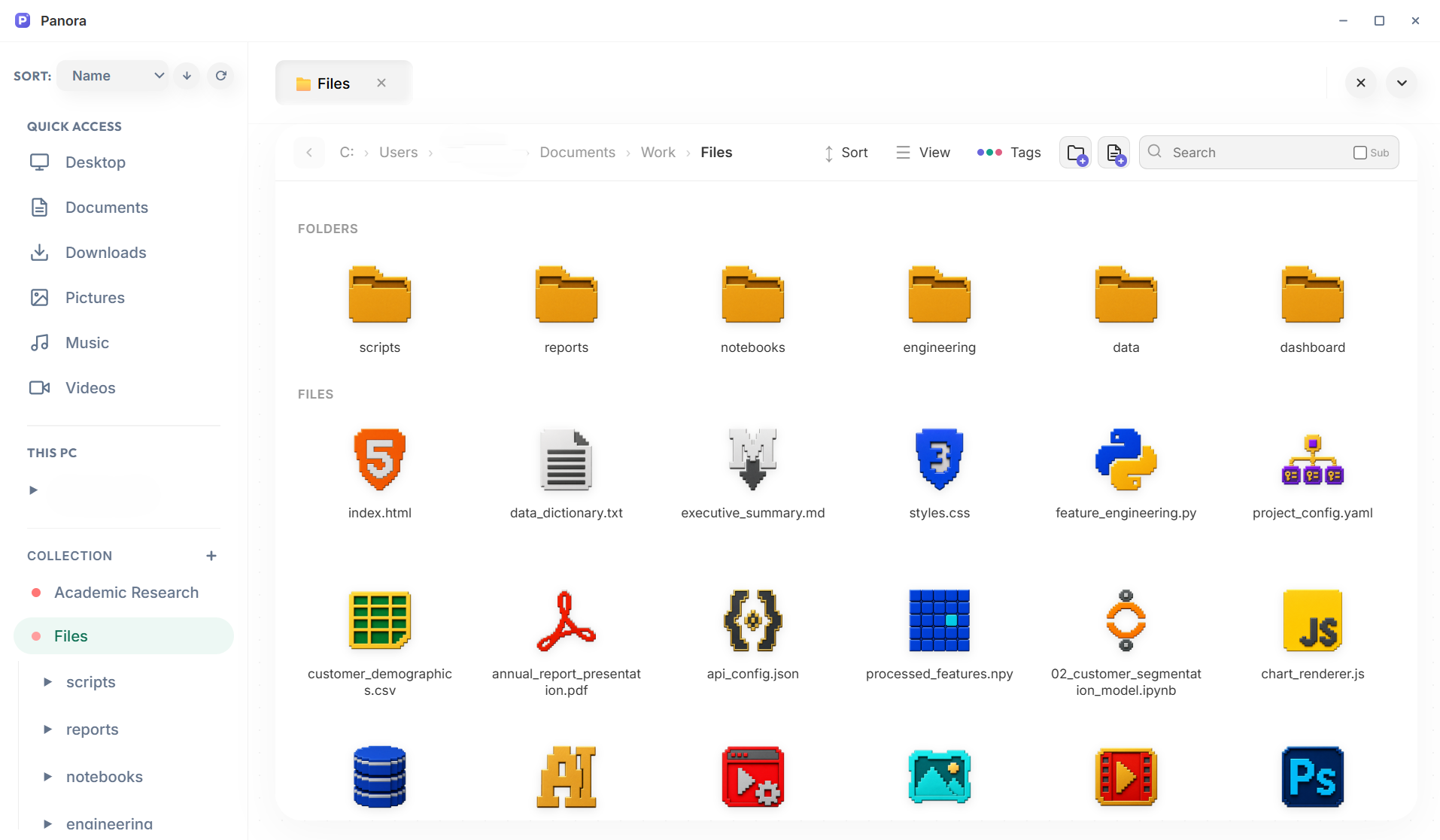
7 themes · 10 folder & file icon packs · Custom folder covers & extension badges · Infinite personality combinations
No extra plugins to download or monthly cloud subscriptions. Panora comes packed with custom built-in productivity apps ready out of the box.
A BlockNote-powered rich writing space with nested folder organization, card library scanning, slash commands, and local image embedding. Everything autosaves quietly on your drive.

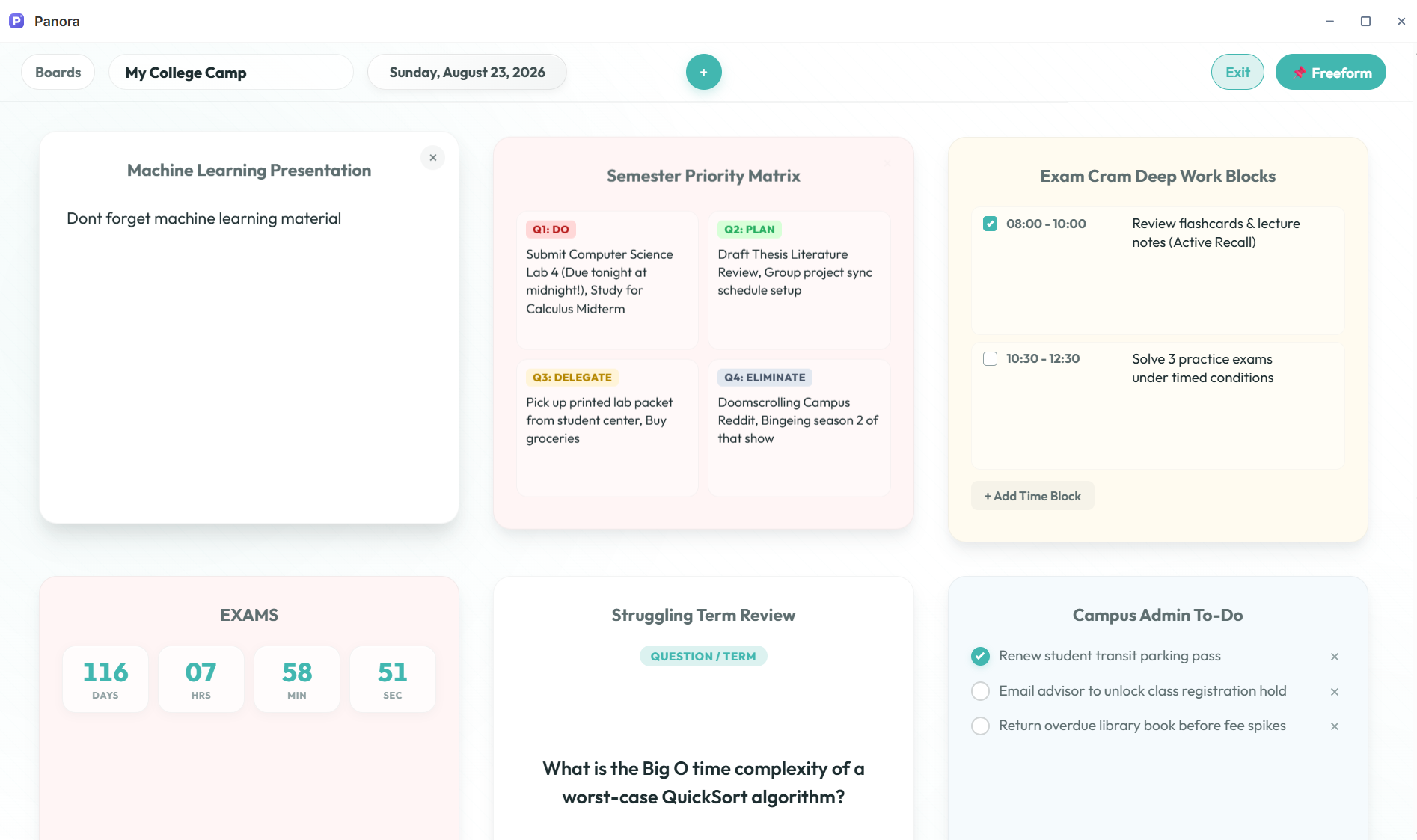
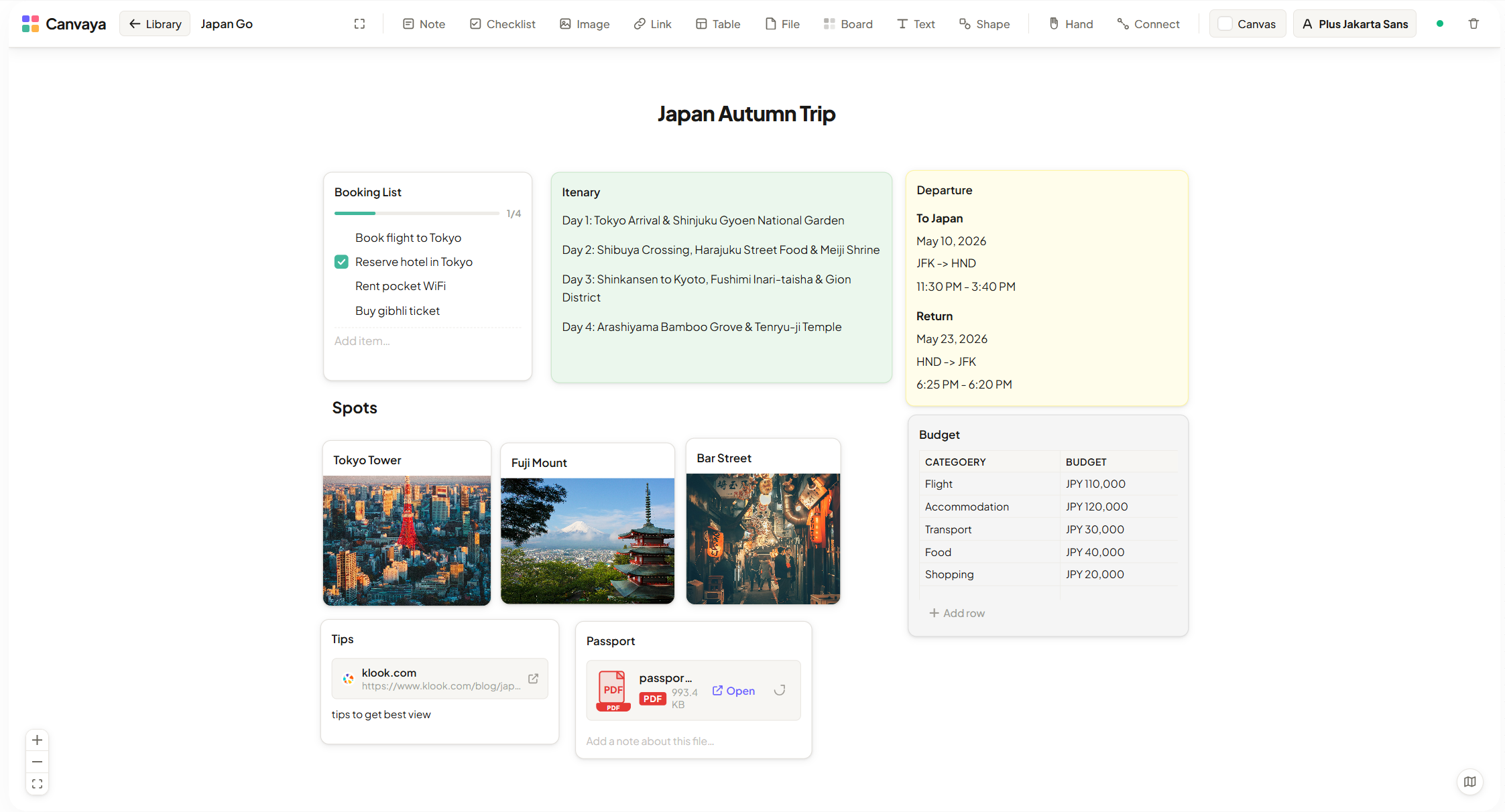
Freeform boards packed with note, checklist, bookmark, photo, flashcard, budget, and time-block cards. Organize work, home, and travel plans in independent boards.
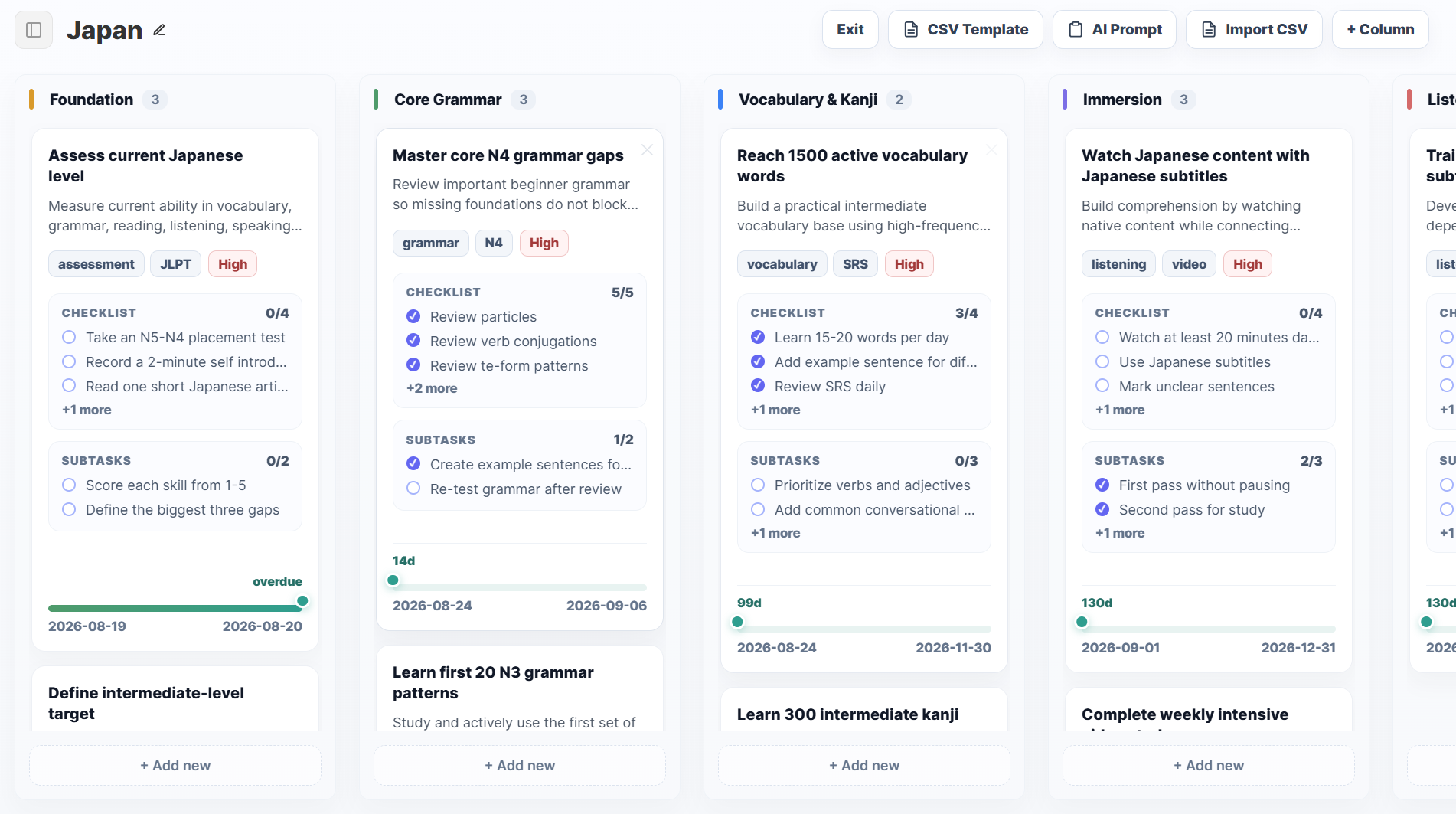
Manage tasks visually with custom columns, CSV import preview, priority flags, elapsed timeline progress bars, and direct local file attachments on cards.
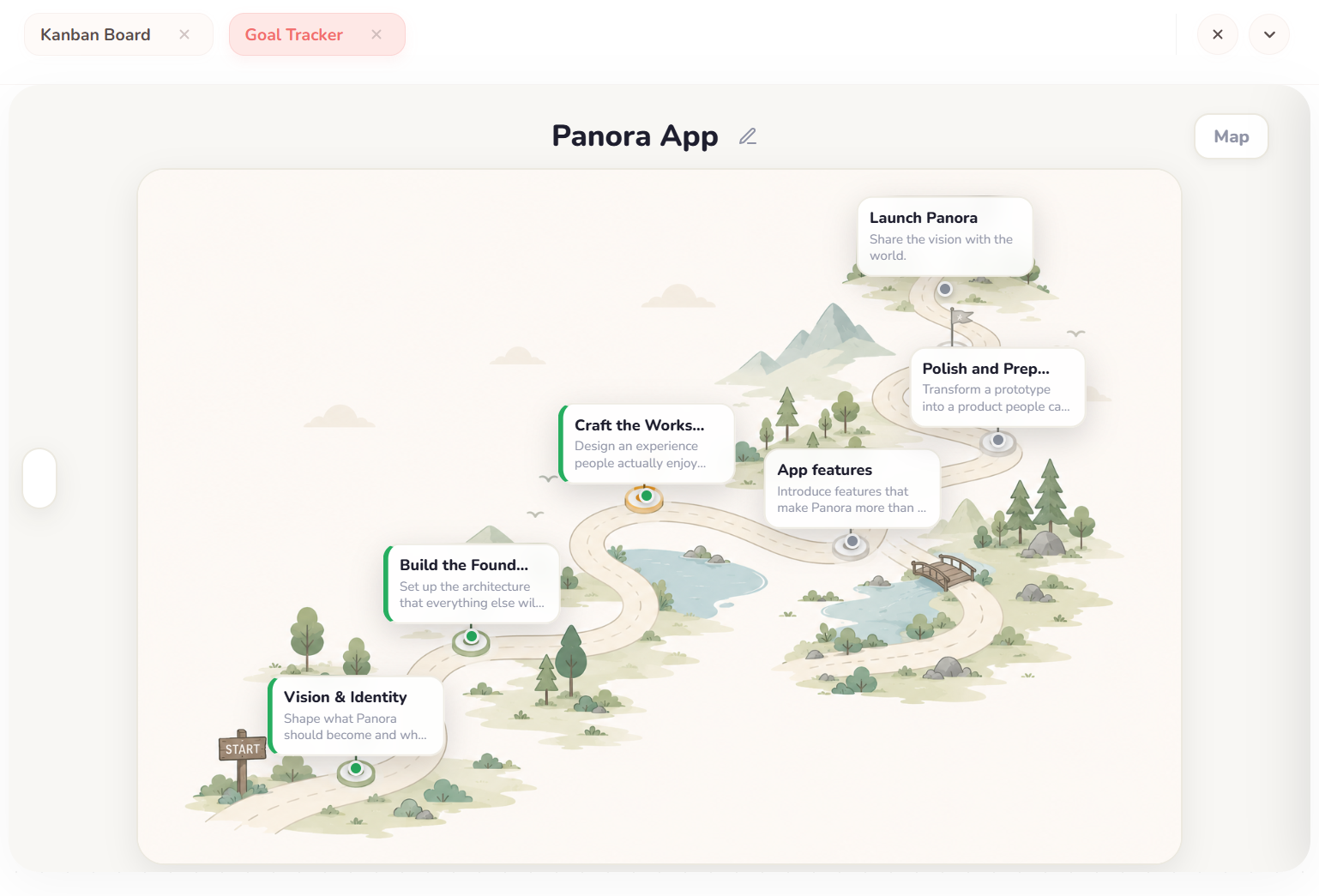
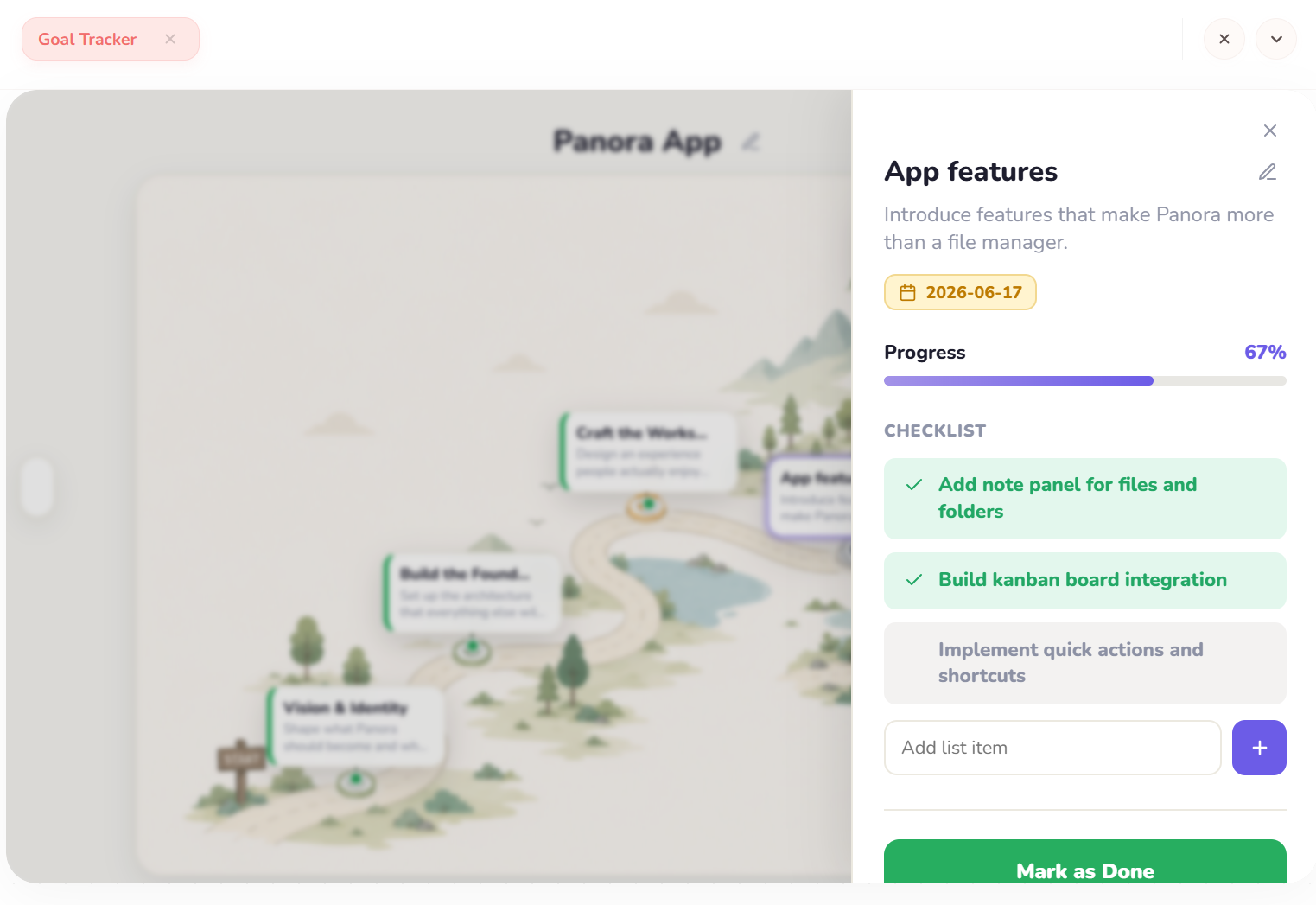
Pin interactive milestones over custom background maps. Track sub-task checklists, set due dates, and monitor completion through side drawer previews.
React Flow-powered whiteboard for spatial thinkers. Place note cards, checklists, bookmarks, tables, shapes, and group frames anywhere on a freeform canvas.
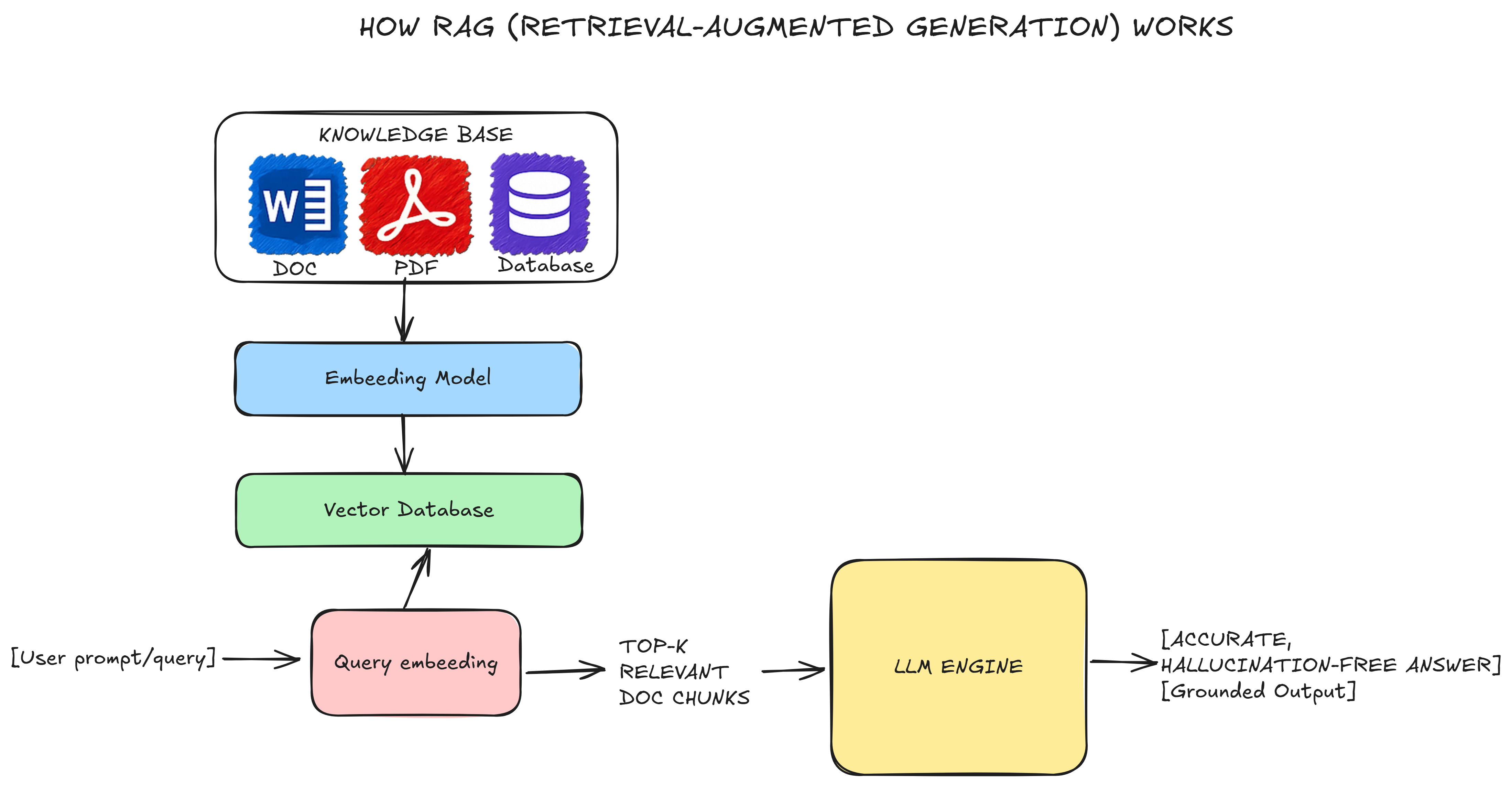
Sketch wireframes, system diagrams, and architectural mind-maps with a virtual hand-drawn aesthetic. Native .excalidraw file support.
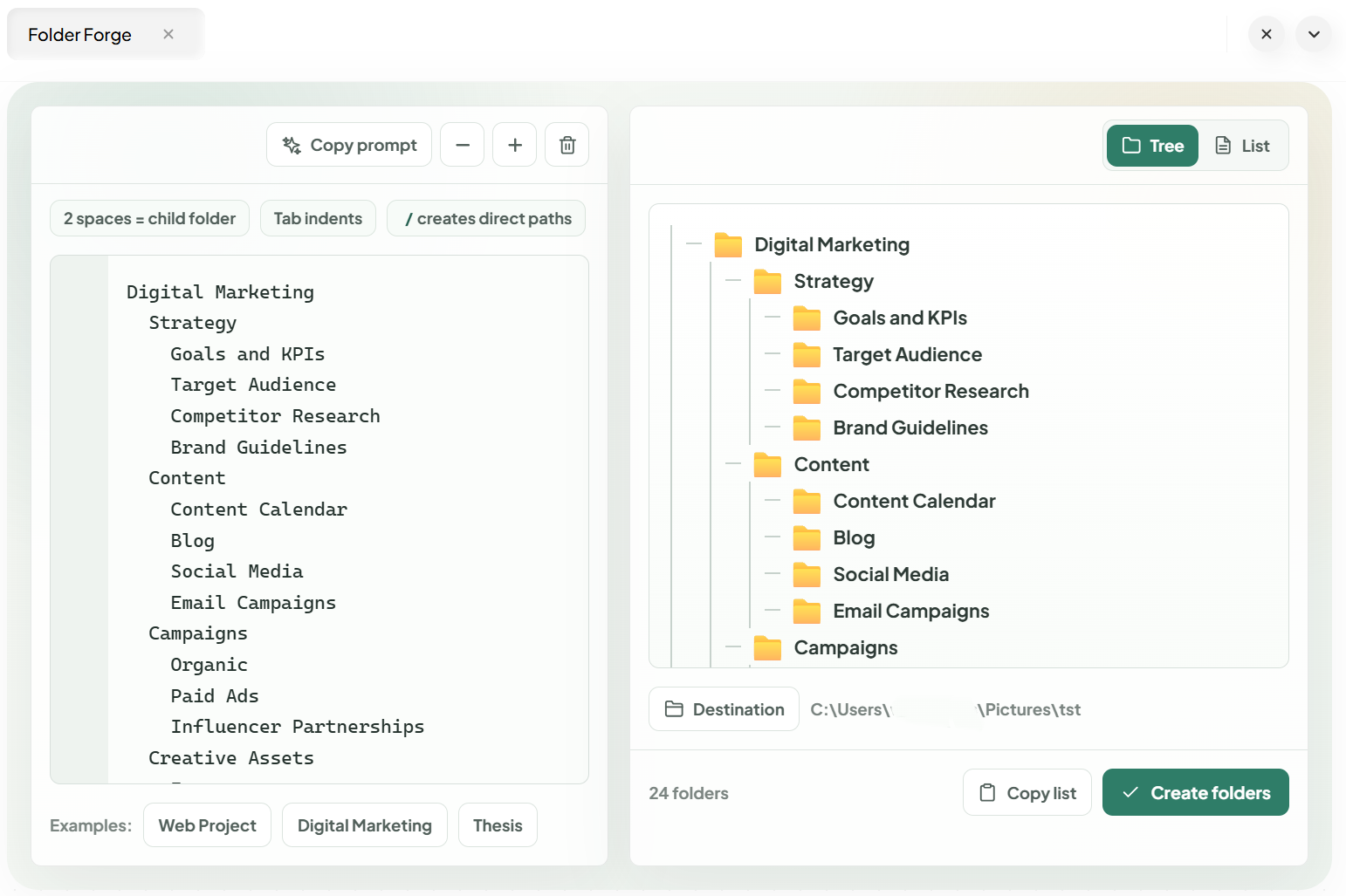
Convert plain-text outlines into real nested folder structures on disk. Live tree view preview, project templates, and one-click batch directory creation.
Stop paying recurring monthly fees for single-purpose web apps. Panora combines 8+ essential productivity tools into one local workspace for a fraction of the cost.
Single one-time payment. Zero subscriptions.
All user files, text edits, Jupyter configurations, diary indexes, and Kanban layouts are stored locally on your desktop filesystem. Panora does not upload anything to cloud hosting nodes, keeping your data entirely yours.
Panora is currently available for a special launch offer of $19.99 one-time (66% discount off the regular $60 price). There are no monthly subscriptions, hidden paywalls, or per-app fees. Pay once and own all 8+ built-in apps and future updates forever.
Panora is built exclusively for Windows (Windows 10 and Windows 11, 64-bit). You will receive a standard Windows installer (.exe) with lifetime access and updates.
Yes, extensively! Choose from 7 built-in themes — Clean, Flow, Graphite, Mello, Nest, Profes, and Verve — and 10 folder & file icon packs (Fur, Glow, Luna, Kawaii, Cat, Flat, Low Poly, Pillow, Plastic, and Voxel). You can also customize folder card colors, images, and presets, and personalize the File Explorer with custom icons per file extension. Each app has its own style controls — page textures in Diary, font themes in Canvaya, column accent colors in Kanban, and more.
Special Launch Offer: $19.99 one-time payment (regularly $60). Own Panora forever.
Instant download • Lifetime access • 100% Privacy • Windows 10 & 11
